
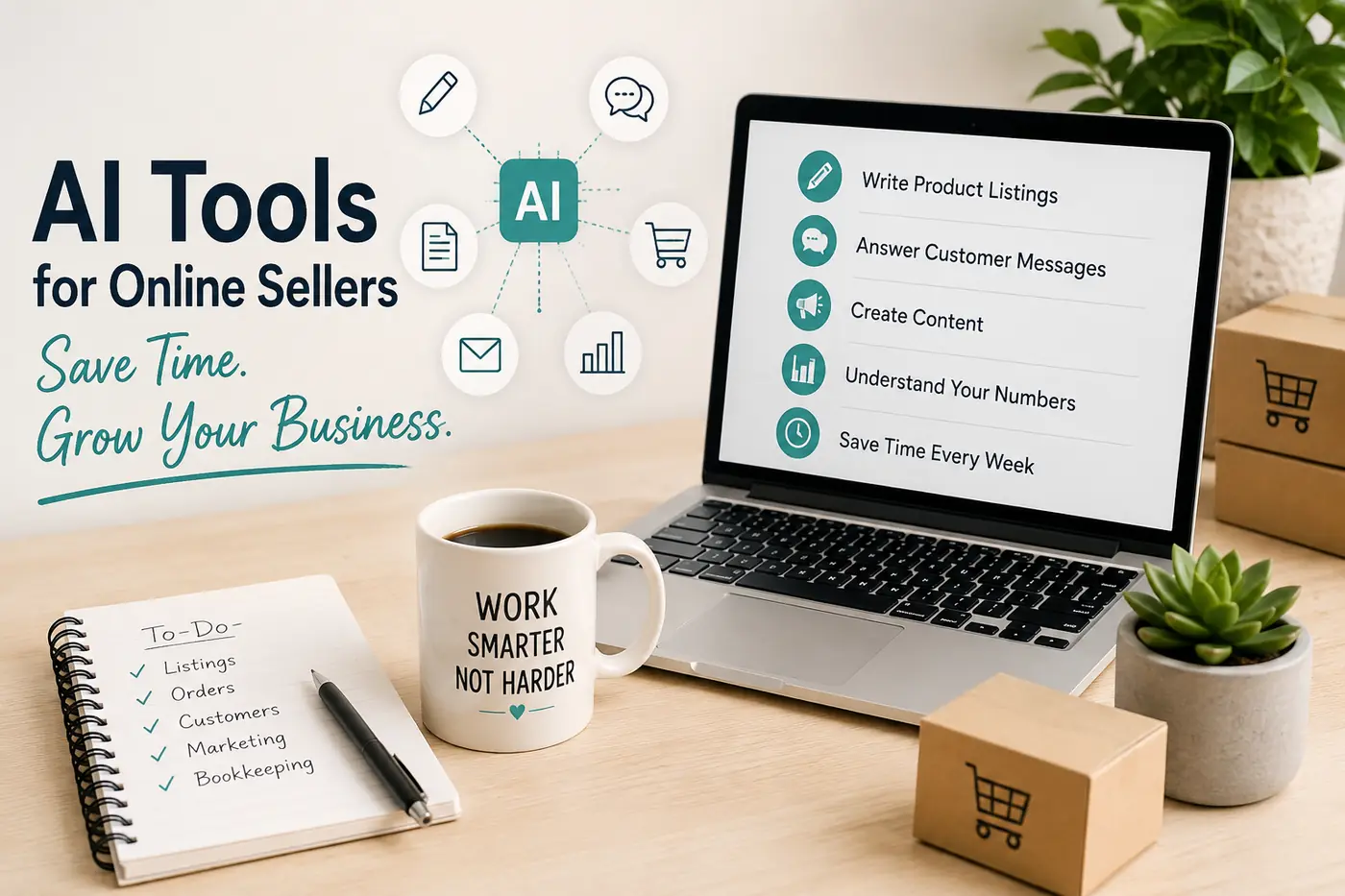
Running an online store can feel like doing several jobs at once. You may be creating products, updating listings, answering customer questions, processing orders, managing social media, tracking expenses and trying to keep your business records organised.
When your store is small, it may be possible to manage most of this manually. However, the workload usually grows alongside your sales. More products mean more listings to write and maintain. More customers mean more messages. More orders mean more administration, fulfilment work and financial records.
This is where artificial intelligence can be genuinely useful. AI tools can help you prepare first drafts, organise information, generate ideas, summarise notes and examine basic business data. Used correctly, they can reduce the amount of time you spend staring at a blank screen or repeating the same administrative work.
AI is not a replacement for your judgement or experience. It does not understand your products, customers or business as well as you do. It can make mistakes, invent information and produce answers that sound confident even when they are wrong.
The sensible way to use AI is as an assistant. Let it help with the repetitive first stage of a task, then review, correct and improve the result before you publish it or send it to a customer.
Write Product Listings More Quickly
Product listings are one of the most practical places for online sellers to begin using AI. A detailed listing may need a title, opening description, product features, customer benefits, dimensions, materials, care instructions, frequently asked questions and relevant search terms.
Writing all of this from the beginning can take a considerable amount of time, especially when you sell several related products or variations of the same item.
An AI tool can create a structured first draft when you give it accurate information. You might provide the product type, intended customer, materials, sizes, colour choices, delivery method, main benefits and any important limitations.
The more useful information you supply, the more useful the first draft is likely to be. A vague instruction such as "write a description for my product" will normally produce generic copy. A detailed instruction gives the tool something specific to work with.
Example product description prompt
Write a clear product description for a printable weekly employee time sheet. The customer is a small business owner who needs a simple way to record employee hours. Explain the practical problem it solves, describe what is included and show how it can make weekly payroll preparation easier. Use plain English, short paragraphs and a helpful professional tone. Do not invent features or make exaggerated claims.
Always check the result carefully. AI may add a feature that your product does not include, use incorrect measurements, misunderstand a file format or make a promise you cannot support.
Your final description should still contain your own product knowledge. Add the details that matter to your customers, remove unnecessary wording and make sure the listing sounds like your business rather than a generic marketing template.
Answer Customer Messages Without Starting from Scratch
Customer service can become repetitive very quickly. Buyers often ask the same types of questions about delivery, personalisation, refunds, file access, sizing, order changes or how to use a product.
AI can help you build a library of reusable response templates for these common situations. Instead of writing every message from the beginning, you can select the most relevant template, add the customer's details and adjust it to fit the situation.
This is particularly useful when a customer is frustrated and you need to respond calmly. You can give the AI tool the facts and ask it to organise them into a clear, polite and professional reply.
However, you should not allow AI to send customer messages automatically without supervision. A generic response can make a difficult situation worse when it fails to address the customer's actual concern.
Complaints, damaged orders, refund disputes and unusual requests still require human judgement. Read the original message carefully, confirm the facts and make sure your final reply clearly explains what will happen next.
Example customer service prompt
Rewrite the following customer response so it sounds calm, helpful and professional. Keep all facts unchanged. Acknowledge the customer's concern, explain the next step clearly and avoid sounding defensive. Do not promise anything that is not included in my original message: [PASTE YOUR DRAFT].
Create More Marketing Content from Each Product
Many online sellers understand that regular marketing is important, but content creation is often pushed aside by more urgent work. When orders, customer messages and product updates need attention, writing social media posts can easily fall to the bottom of the list.
AI can help you generate social media ideas, captions, email subject lines, Pinterest descriptions, short promotional posts, video outlines and blog topics.
One useful approach is to take a single product and create several different content angles around it. For example, a printable expense tracker could support content about controlling business spending, preparing records for tax season, understanding cash flow, avoiding forgotten expenses and building better bookkeeping habits.
This gives you several useful posts without repeating the same direct sales message every day. Some posts can educate your audience, some can answer common questions and others can introduce the product as a practical solution.
AI-generated content still needs editing. Without your own examples and customer knowledge, the result may sound vague or identical to content published by hundreds of other businesses.
Add your own experience. Mention the problems customers regularly raise, explain why you created the product and show how it fits into a realistic working routine.
Example social media prompt
Create ten social media post ideas for an online shop selling printable business templates. The audience is small business owners and online sellers. Focus on practical administrative problems. Include educational posts, quick tips, common mistakes, questions and product-led ideas. Do not make every post a direct sales message.
Use AI to Make Sense of Your Business Numbers
Many sellers know how much money has entered their account but are less certain about the profit their business has actually made.
Revenue is only one part of the picture. Marketplace fees, payment processing charges, advertising, materials, packaging, postage, refunds, subscriptions and other operating costs all reduce the amount you keep.
AI can help you organise non-sensitive financial information, compare different months and identify changes that deserve closer attention. For example, you could provide a simple table of monthly income and expenses and ask which costs increased most quickly.
You could also ask why revenue increased while profit remained unchanged, which products appear to have stronger margins or which month had an unusually high level of refunds.
The result is only as reliable as the information you provide. Missing transactions, inconsistent categories or incorrect figures can lead to misleading conclusions.
Before asking an AI tool to examine your numbers, make sure income, fees, refunds and business expenses have been recorded consistently. AI cannot repair poor records by guessing what should have been entered.
You should also remove private information before sharing any figures. Do not paste full bank statements, customer addresses, card details, tax identification numbers, passwords or private account credentials into a general-purpose AI service.
Example business analysis prompt
Review the following monthly figures and identify the three most important changes. Explain why each change may matter to a small online business. Clearly label any assumptions. Do not provide tax, legal or accounting advice. Data: [PASTE NON-SENSITIVE FIGURES].
Create Business Documents Faster
Online sellers regularly produce similar documents, including invoices, estimates, receipts, order summaries, customer instructions, payment terms and follow-up messages.
AI can help draft the wording for these documents, but it should not be treated as the complete administrative system. You still need a consistent format that captures the correct information every time.
A practical approach is to use AI for the wording and a reusable template for the structure. For example, AI could help you explain payment terms in plain English. You could then place the approved wording into your normal invoice or estimate template.
This reduces repeated writing while keeping your paperwork consistent. It also lowers the risk of forgetting important information because the document layout already contains the fields you need.
AI can also improve customer instructions. When buyers frequently ask how to download, print, assemble or customise a product, write down the correct process and ask AI to turn it into a simple step-by-step guide.
Test the instructions yourself before publishing them. Clear writing is only useful when the steps are accurate.
Need a consistent format for your paperwork? Browse our small business document templates to create a simple system without paying for complicated subscription software.
Keep Orders and Fulfilment Organised
AI can help summarise order details, draft customer updates, prepare packing instructions and identify questions that appear repeatedly during fulfilment.
If a customer asks for an update, for example, you can provide the verified order status and ask AI to turn it into a clear and reassuring response.
You can also prepare standard messages for common stages of the order process, including order confirmation, requests for missing information, dispatch notifications and delivery follow-ups.
AI cannot compensate for an order that was not recorded correctly. You still need a reliable way to track what was ordered, whether payment was received, when the order was completed and whether it was dispatched.
Smaller sellers may not need an expensive order management platform. They do, however, need a consistent process. A simple order tracker can often provide enough structure until the volume of sales justifies more advanced software.
AI works best when it supports that process. It should help you communicate and organise information, not act as the only record of an important transaction.
A printable or digital order tracker can help you maintain a clear record of paid, dispatched and completed orders.
Plan Email Marketing Campaigns More Efficiently
Email marketing can help online sellers bring previous buyers back, promote new products and explain how existing products can be used more effectively.
The difficulty is producing useful emails consistently. AI can help generate campaign ideas based on product launches, seasonal events, common customer problems, educational topics and frequently asked questions.
It can also help you draft subject lines, opening paragraphs, product explanations and follow-up messages.
Start each campaign with one clear objective. You might want to introduce a new product, encourage repeat purchases, explain a product feature or teach customers how to solve a common problem.
Ask the tool for several approaches, then select and edit the version that best fits your audience. Do not automatically choose the most dramatic wording. Exaggerated promises and artificial urgency can damage trust.
Your knowledge of your customers should always shape the final message.
Improve Basic Product and Competitor Research
AI can help organise market research, particularly when you are considering a new product or trying to understand why customers prefer one option over another.
You can use it to prepare research questions, compare customer groups, organise product ideas and group notes collected from reviews or customer messages.
For example, you could collect a reasonable selection of public reviews from similar products and ask AI to group the comments into recurring themes. These might include ease of use, unclear instructions, missing features, awkward layouts or printing difficulties.
The purpose is not to copy a competitor. It is to understand what customers value, where they experience frustration and where there may be an opportunity to provide a better solution.
Be careful with current facts. Do not assume an AI tool knows the latest marketplace fees, seller policies, product prices or platform rules unless it has reliable access to up-to-date information.
Use AI to organise the evidence you collect, then verify important details directly from the original source.
Use AI to Think Through Business Decisions
AI can also be useful when you need to organise your thoughts around a business decision. You can ask it to compare options, identify possible risks, prepare questions or create a basic launch checklist.
For example, you might ask it to compare two product ideas, examine the advantages and disadvantages of a pricing structure or identify the information needed before launching a new collection.
This can reduce the time required to organise a problem and may reveal issues you had not considered.
The answer should still be treated as a starting point. AI does not know your full financial position, legal obligations, customer relationships or long-term plans unless you provide that information. Even when you do, it may misunderstand the context.
Use it to help you ask better questions, not to make important decisions on your behalf.
What AI Cannot Replace
One of the biggest mistakes an online seller can make is assuming that AI understands the business as well as the owner.
It cannot replace your knowledge of your customers, your experience with your products or your ability to recognise when a situation needs a personal response.
It can also produce incorrect information in a convincing way. This is especially risky when dealing with product specifications, financial explanations, marketplace policies, tax information, legal wording or health and safety instructions.
Every important output should be checked before it is published, added to a product or sent to a customer.
The strongest results usually come from combining the speed of AI with human experience. Let AI help with the first draft, repeated formatting, initial ideas or basic analysis. Keep responsibility for accuracy, customer relationships and business decisions.
Protect Customer and Business Information
AI tools are convenient, but you need to think carefully about the information you enter into them.
Do not paste customer names, addresses, telephone numbers, email addresses, payment information, private order details, passwords, account credentials or confidential business documents into a public AI service.
When asking for help with a customer situation, remove identifying information first. Replace real names and order references with neutral labels such as "Customer A" and "Order 123".
Before using an AI platform regularly for business work, review its privacy policy, data controls, account settings and retention options. Business plans may offer different privacy or administrative controls from free consumer accounts.
Saving time is useful, but not when it puts customer privacy or business security at risk.
How to Start Using AI in Your Online Business
Do not try to automate your entire store at once. This usually creates confusion and can lead to a collection of tools that you rarely use.
Begin with one repetitive task that you already understand. Product descriptions, customer reply templates, social media ideas, email drafts and weekly planning are all sensible starting points.
Use the tool for that task consistently and compare the process with your previous method. Check how much time it saves, how much editing is required and whether the final quality has improved.
Once the process is reliable, move on to another task.
A simple process to follow
Choose one repetitive task that takes place every week.
Write down the facts and information needed to complete it correctly.
Create a clear AI prompt.
Generate a first draft.
Review the output and correct any mistakes.
Save the successful prompt so you can reuse it.
Measure how much time the new process saves.
Improve the process before adding another tool.
Useful AI Prompts for Online Sellers
AI usually produces a better answer when your prompt includes the context, the task, the intended audience and any important restrictions.
Product listing prompt
Write a product description for an online listing. The product is [DESCRIBE THE PRODUCT]. The target customer is [DESCRIBE THE CUSTOMER]. Explain the main problem it solves, what is included and how the customer can use it. Use plain English, short paragraphs and a helpful professional tone. Do not invent features, sizes or guarantees.
Customer service prompt
Rewrite the following customer response so it sounds calm, helpful and professional. Keep all facts unchanged. Acknowledge the customer's concern, explain the next step clearly and avoid sounding defensive: [PASTE YOUR DRAFT].
Social media prompt
Create five social media posts about [PRODUCT OR TOPIC]. The audience is [DESCRIBE THE AUDIENCE]. Each post should focus on a different customer problem. Include one educational post, one practical tip, one question, one product-focused post and one behind-the-scenes idea.
Business analysis prompt
Review the following monthly figures and identify the three most important changes. Explain possible reasons for each change, but clearly label all assumptions. Do not provide tax, legal or accounting advice. Data: [PASTE NON-SENSITIVE FIGURES].
Learn How to Use AI Without Feeling Overwhelmed
The number of AI tools available can make it difficult to know where to begin. Trying several platforms without a clear purpose often creates more work rather than less.
A structured guide can help you understand which tasks are suitable for AI, how to write useful prompts and how to introduce tools gradually without disrupting the systems that already work.
The AI for Small Business Owners Guide explains practical AI tools in plain English. It is designed for business owners who want to save time, reduce routine administration and use AI confidently without needing a technical background.
The downloadable guide includes step-by-step advice, practical small business examples, prompt guidance and ideas for applying AI to marketing, customer service and administration.
View the AI for Small Business Owners Guide
Prefer to purchase through Etsy? View the guide in the Simple Biz Toolkit Etsy shop .
Final Thoughts
AI is not useful simply because it is new. It is useful when it helps you complete necessary work more quickly, consistently or accurately.
For most online sellers, the strongest starting points are product listing drafts, customer response templates, marketing ideas, document preparation, weekly planning and basic business analysis.
Start with one clear administrative problem. Test whether AI genuinely improves the process. Keep the parts that save time and remove anything that creates additional checking, confusion or unnecessary expense.
The aim is not to remove the owner from the business. It is to reduce repetitive work so you have more time to improve your products, serve your customers and build a sustainable online store.