
Polish your product photos effortlessly
Your listing images are your shop window. If they look cluttered, dim, or inconsistent, buyers subconsciously downgrade trust — and keep scrolling. Adobe Express includes quick, beginner-friendly photo actions that cover the stuff Etsy sellers actually need:
- Remove or replace backgrounds to keep focus on the product.
- Crop and resize fast (and consistently) across your listings.
- Adjust brightness, contrast, and colour to make images look clean and intentional.
- Apply simple filters/presets so your whole shop "matches".
If you sell printables, you can do the classic move: clean mockups on a tidy backdrop (desk scene, wall frame, clipboard) so buyers instantly "get it" without squinting.
Build a cohesive brand with branded templates
Branding isn't just a logo — it's repetition. When your banner, listing images, Instagram posts, and Pinterest pins look like they belong to the same shop, you get recognition (and recognition leads to trust).
Adobe Express helps by giving you templates (including Etsy-friendly ones) and a Brand Kit approach: drop in your logo, choose your brand colours and fonts once, then apply them across designs without redoing everything manually.
- Keep the same fonts and colours across every graphic.
- Reuse layouts so you're not reinventing your design each time.
- Turn "I should post something" into "Done in 10 minutes".
Create social media content in minutes (and stop resizing things manually)
Social media drives traffic, but the format chaos is real: squares, portraits, stories, pins… and each platform wants something different. Adobe Express makes it easier to produce one "core" design and generate versions for different sizes.
What to make (that actually drives clicks)
- New listing pins (Pinterest): title + mockup + 2–3 benefits.
- Before/after visuals: "messy tracking → clean tracking" (especially for finance templates).
- Mini tutorials: 3 steps to use the template (people save these posts).
- Seasonal reminders: tax season, end-of-month bookkeeping, rental cycles, etc.
Express also supports light video/animation (simple motion text, quick promo clips). You're not trying to win an Oscar — you're trying to stop thumbs from doomscrolling past your product.
Design all your marketing materials in one place
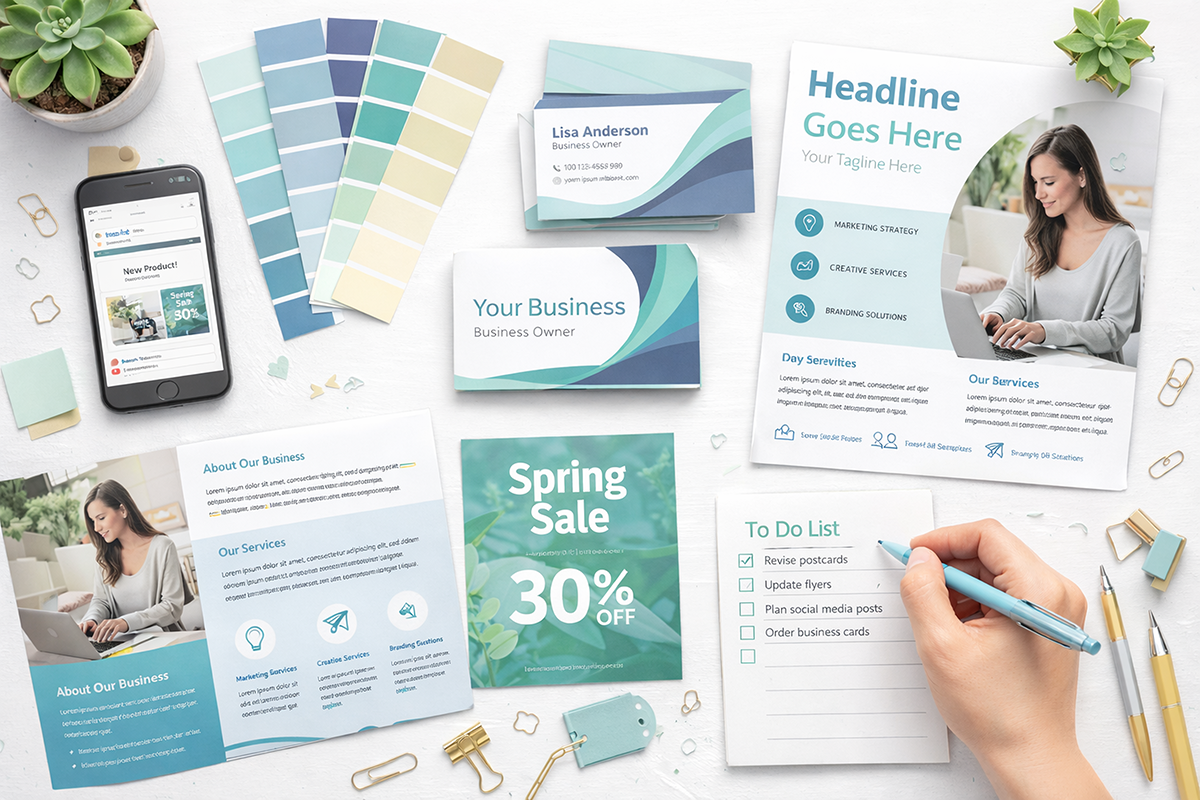
Etsy sellers end up needing more than listing images: thank-you cards, coupons, instruction sheets, business cards, quick flyers for fairs… Adobe Express is built for that "small biz marketing buffet".
- Thank-you cards and inserts (especially useful for digital downloads too).
- Coupon graphics you can include in PDFs or share on social.
- Simple flyers/posters for local events.
- Brand-consistent headers, banners, and promos.
The built-in asset libraries (photos/icons/fonts) also reduce "where do I legally find an image for this?" anxiety. Less hunting, more shipping.
Save time, stay consistent, and focus on the actual business
The real benefit is boring and powerful: you spend less time fighting tools and more time doing what moves the needle — building products, improving listings, serving customers, and marketing with consistency.
Adobe Express has a free plan (useful for essentials), and paid features unlock bigger convenience wins (like scheduling and expanded assets). The sensible approach is: start with free, prove it saves time, then upgrade only if it's earning its keep.
A simple workflow Etsy sellers can copy
- Create 1–2 listing image templates (headline + mockup + 3 benefits + footer branding).
- Make a reusable "New Product" post template for Instagram + Pinterest.
- Batch-produce assets for your next 5 listings in one session.
- Schedule posts (or at least export platform sizes in one go).
- Reuse the same system every time (this is the part most people skip).
Try Adobe Express (without the design headache)
If your shop visuals are 'fine' but inconsistent (or painfully slow to produce), Adobe Express is a solid way to get faster, cleaner, and more on-brand — without becoming a full-time designer.